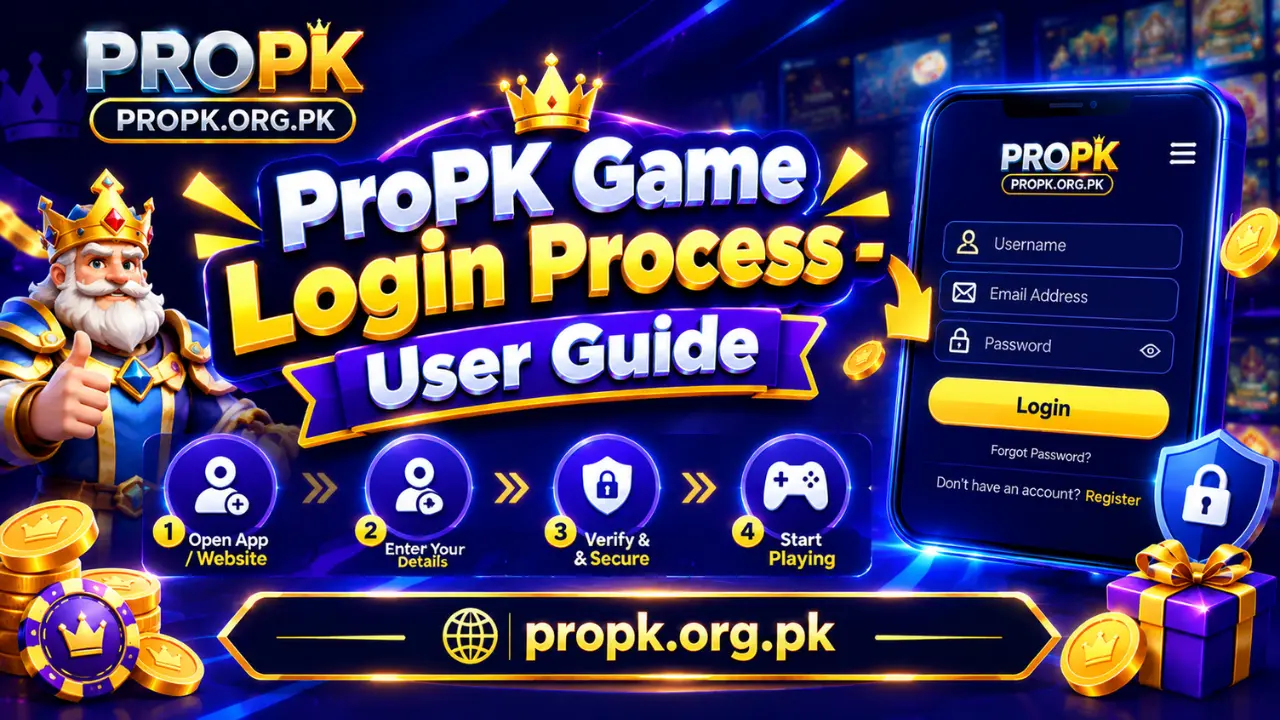
ProPK Game Login Process – User Guide
Logging into ProPK Game lets you quickly access your account whenever you open the app. After registration, you only need your registered mobile number and password to sign in. The process is straightforward, so you can get back to your account without going through unnecessary steps.
For new users, the first login can sometimes be confusing, especially if they are not sure which details to enter or what to do when the login does not work. Knowing the correct login steps and a few simple solutions can make the process much easier.
ProPK Game Login Guide
The ProPK Game login process is simple. You need to use the same account details you provided when registering. Follow these steps to sign in:
If you have recently registered, make sure you use the same mobile number and password that you entered during the signup process.
ProPK Game Login Problems and Solutions
Sometimes users may have trouble signing in even when they already have a registered account. Most basic login problems can be checked in a few simple steps.
Forgot Password
If you cannot remember your ProPK password, look for the Forgot Password or password recovery option on the login screen. Follow the instructions provided by the platform to reset your password.
Avoid repeatedly entering random passwords, as this can make the login process more difficult.
Incorrect Password
If ProPK shows an incorrect password message, check the password you entered carefully. Make sure there are no extra spaces and that you have entered the correct numbers, letters, and symbols.
If you are still unable to log in, use the available password recovery option instead of guessing repeatedly.
Account Not Found
If your account cannot be found, first check the mobile number you entered. It should be the same number you used when creating your ProPK account.
A simple typing mistake can prevent the system from identifying your account.
Login Page Is Not Loading
If the login page does not load properly, check your internet connection first. You can also close and reopen the app and try again.
If the problem continues, check whether you are using the latest available version of the ProPK app.
Verification Code Is Delayed
If a verification code is required and does not arrive immediately, wait for a short while before requesting another one. Also check that your mobile network is working and that you entered the correct registered number.
Never share a verification or OTP code with another person.
Login Button Is Not Working
If the Login button does not respond, make sure all required fields have been completed. Check the mobile number and password once again, then try submitting the form. If the app is still not responding, restarting the application may resolve a temporary issue.
Tips for a Smooth ProPK Login
Keeping your account information safe can make future logins easier. Use the following basic precautions:
Once you successfully log in, you can access your ProPK Game account and use the features available to you. If you experience a login problem, check your account details first before trying more complicated solutions.